
Authentication
How organization scoping works in the VoterGuideOS API
Authentication
All VoterGuideOS API requests are scoped to your organization's data.
To identify your organization, include your organization ID in the request header.
X-Organization-Id: org_123Your organization ID is provided by Branch and is unique to your newsroom or organization.
Organization-scoped data
Every API response is automatically filtered to your organization’s data and configuration.
This includes things like:
- Candidate summaries
- Read more links
- Questionnaire responses
- Organization-specific race coverage
- Editorial overrides
- Custom ballot content
Managing your organization's data
Organization-specific content is managed in the Branch platform.
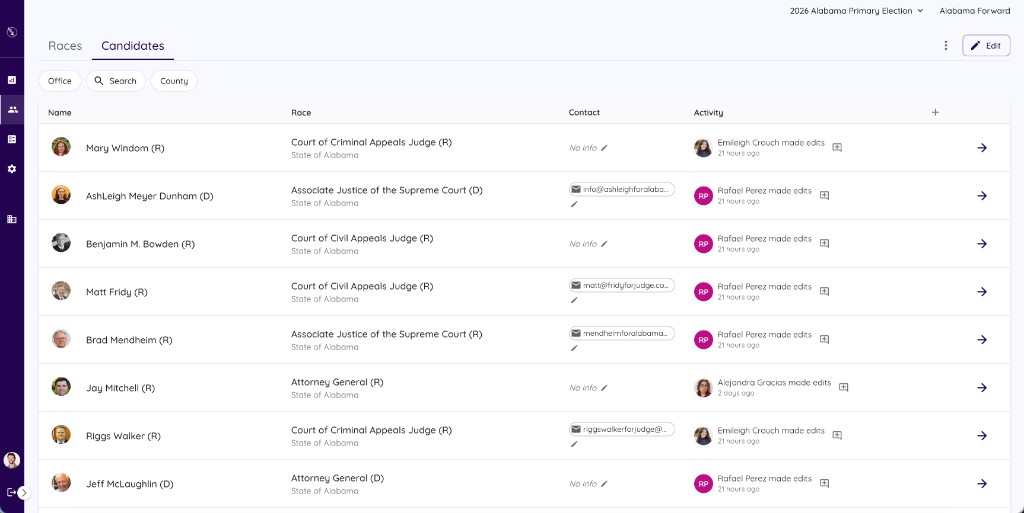
Changes made in the platform are automatically reflected in API responses.
Security note
The organization ID identifies request context and organization scope. It should not be treated as a secret bearer token.
Additional authentication and access controls may apply depending on your organization's API configuration.